
Manage
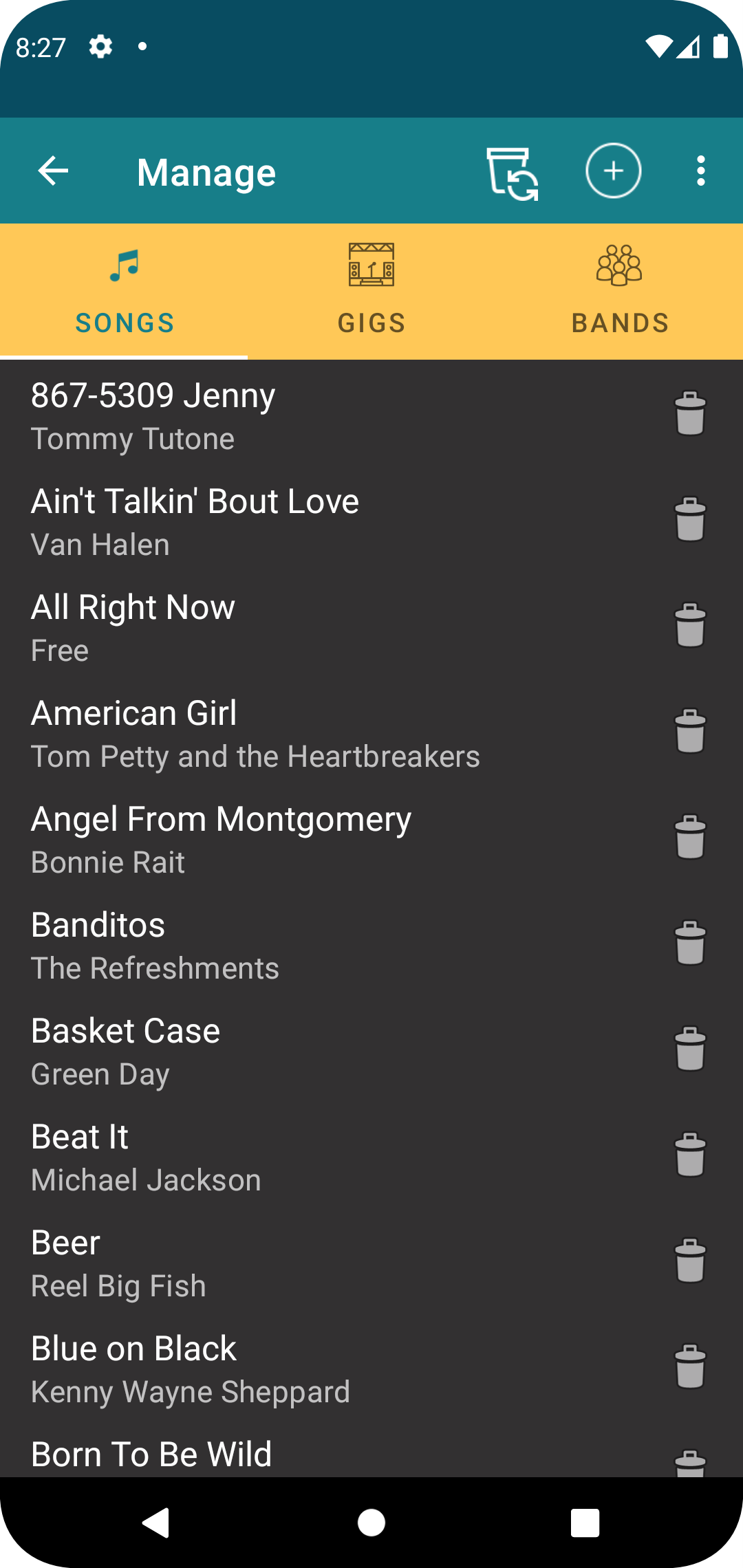
From this display, you can manage the songs in your repertoire, the various gigs you are playing, and the different bands you belong to. This is the main screen where you will add, edit, and delete items in the app.
Buttons
The tab heading allows you to select the broad category of item you want to work on. Note that bands are not available in the free version of the app.

Pressing one of the displayed items (song, gig, or band) will open that item for edit.
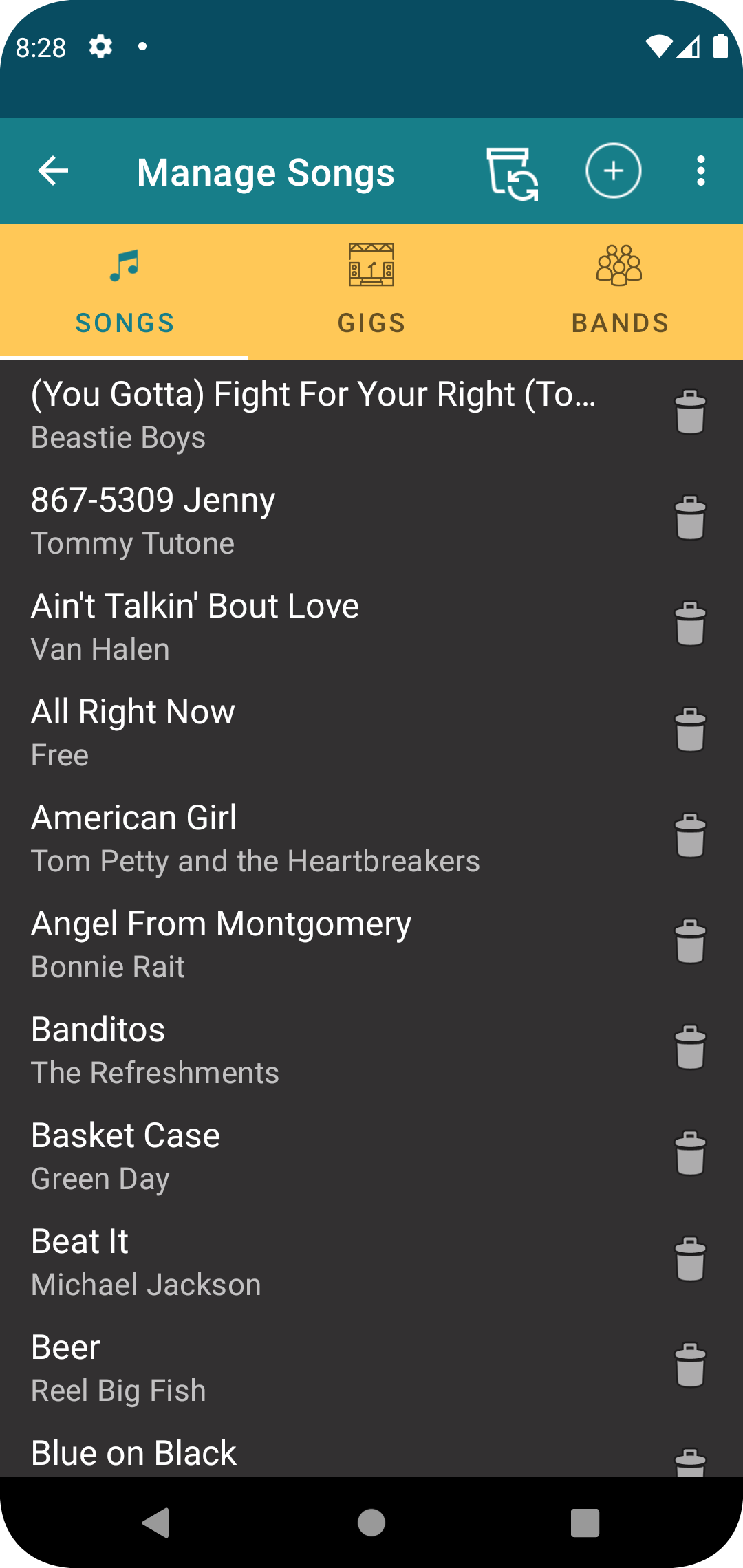
Selecting the trash can for a displayed line item will delete that item from the list and move it to the recycle bin.

Pressing the add button will add either a song, gig, or or band to the list based on which tab is selected, and then open it for edit.

Selecting the recycle bin will open a list of items that have previously been deleted, which can then be restored if desired. Note that the items in the recycle bin are only held there for a short period of time until they are permanently deleted.