

Edit Gig
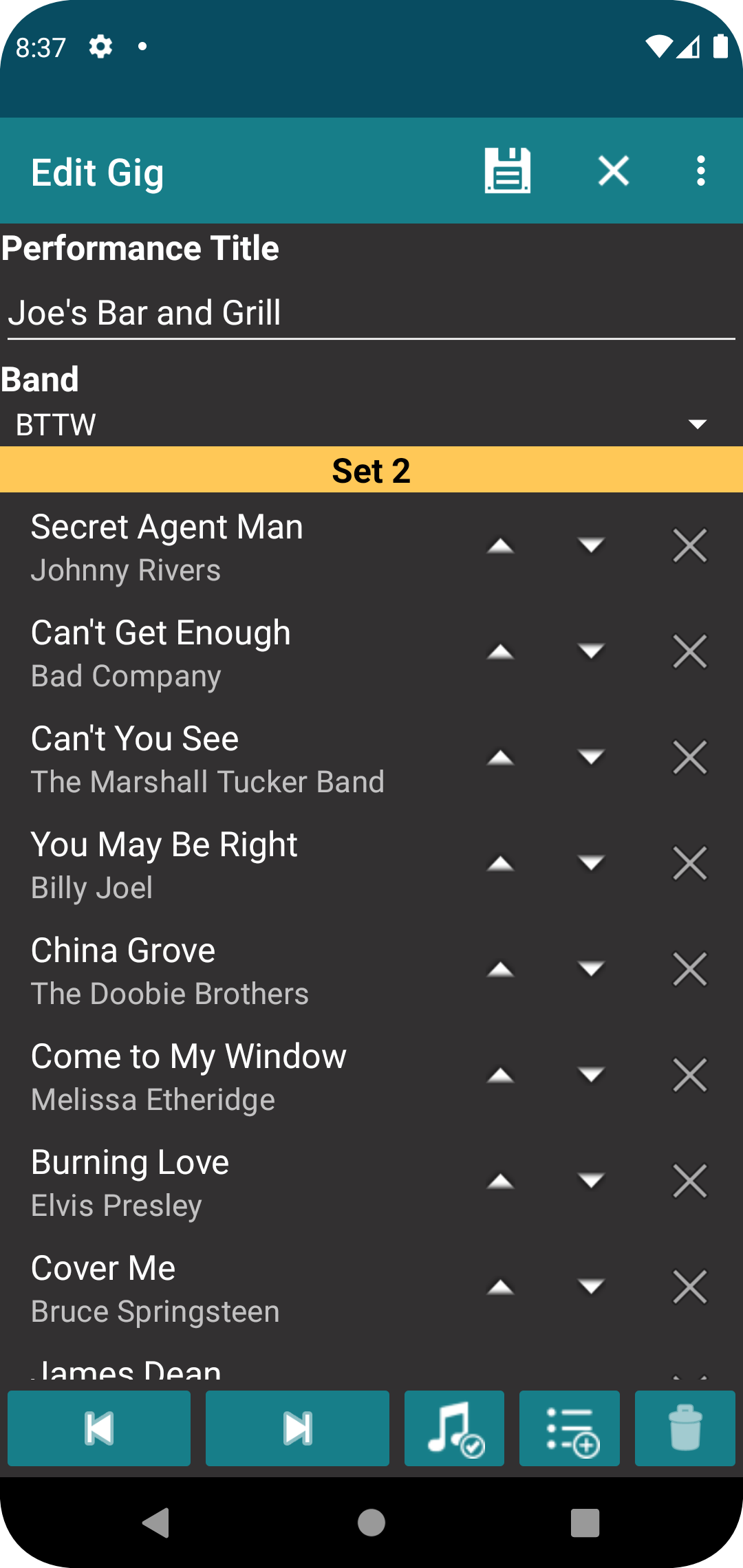
This screen is used to add or edit gigs.
Fields
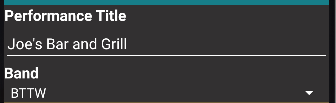
The performance title is the name you want to assign to the gig. The band is selected from a dropdown menu that have been added to the app. This field is not required and is not available in the free version.
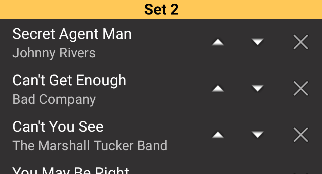
The lower portion of the display is the list of songs in the active set. The active set is shown in the heading. You must have at least one set in the gig but you may have as many sets as you want. The order of the songs and sets defines the order of the gig.
Buttons
The next and previous buttons will move between the sets in the gig.

The Select Songs button will open a display of the songs available to add to the current set. The order that the songs are selected will be order that they are added to the set. If a band is entered for the gig, the song list will be limited to the songs assigned to the band.

This button will add a new set to the gig and then make that set active to add songs.

This button deletes the set that is currently active in the gig edit.

Save all changes and return to the previous screen.

Discard all changes and return to the previous screen.

Pressing one of the displayed songs will open it for edit.

The arrow keys move a song up or down in the order of the set list.

This will remove the song from the set.
