

Edit Band
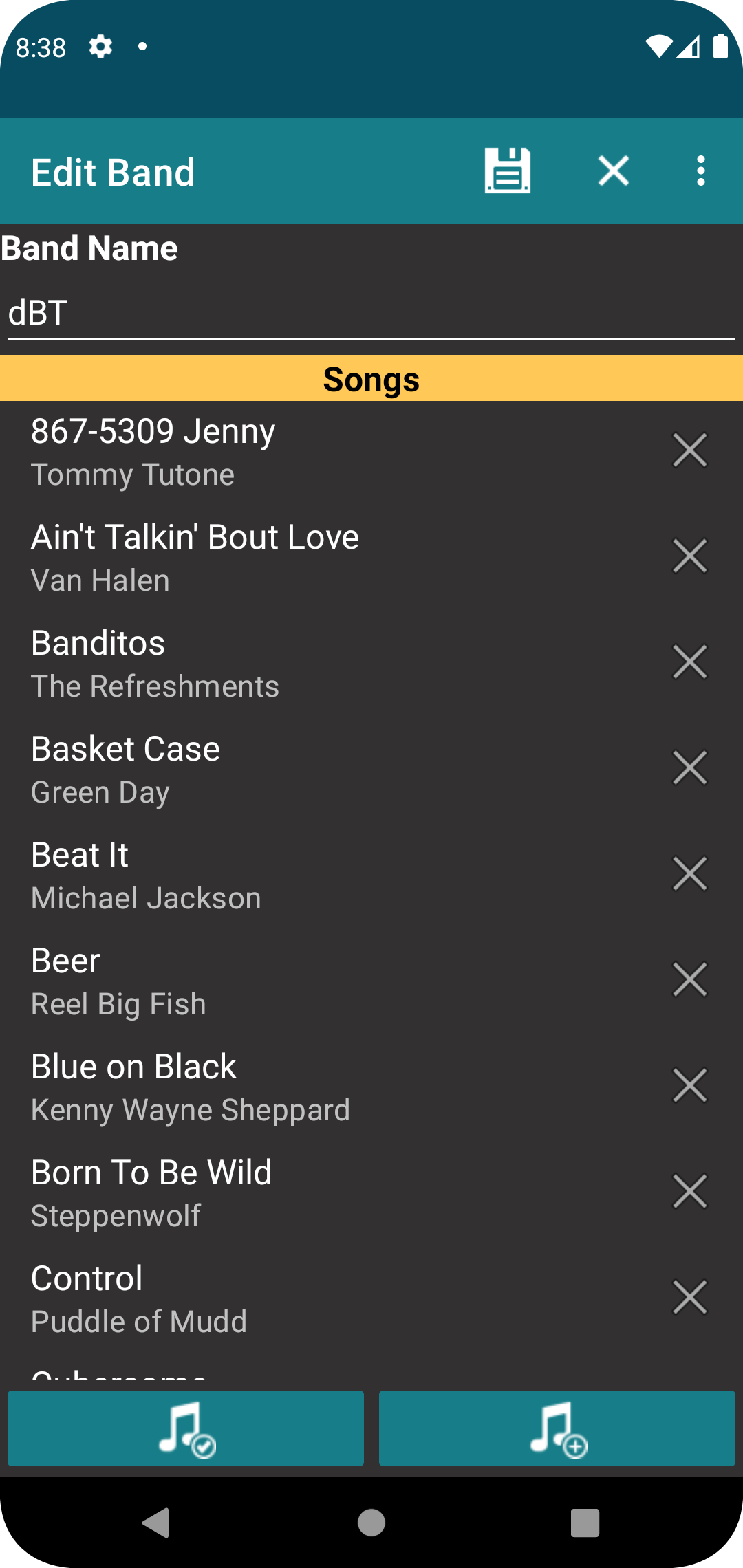
This screen is used to add or edit bands.
Fields
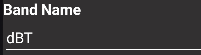
This is the name of the band.
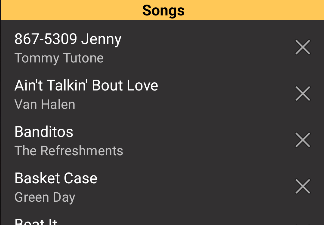
The lower portion of the display is the list of songs assigned to the band, which will allow you to create a variant unique to the song.
Buttons
Select songs from the repertoire and assign to the band.

Add a song to the repertoire and assign it to the band.

Save all changes and return to the previous screen.

Discard all changes and return to the previous screen.

Pressing one of the displayed songs will open it for edit.

This will remove the song from the band.
